
How to Track Hair Transplant Growth with Photos
Learn how to track hair transplant growth with photos. Get a month-by-month timeline, photo tips, and aftercare advice for accurate progress tracking.
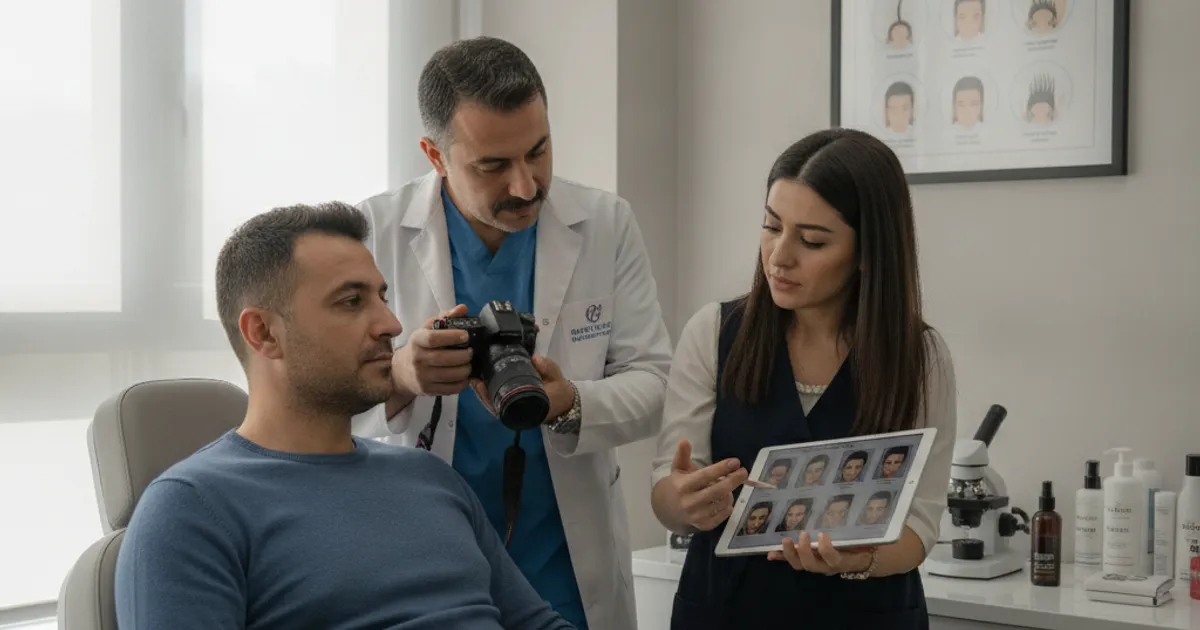
Getting a hair transplant is a big decision, and once it's done, the waiting game begins. You want to know if it's working, and the best way to do that is by tracking your hair transplant growth with photos. It's not just about vanity—photos give you objective evidence of progress, help you spot any issues early, and make it easier to communicate with your clinic. This guide walks you through everything you need to know about photo tracking, from when to start to how to organize your shots.
Why Photo Tracking Matters for Hair Transplant Growth
Hair growth after a transplant is slow and subtle. You see yourself every day, so it's nearly impossible to notice gradual changes. Photos capture those small differences over time. They also help you stay patient during the ugly duckling phase and give you concrete data to share with your surgeon if something seems off.
- Provides objective evidence of growth when daily mirrors don't show it.
- Helps you stay motivated during the slow early months.
- Allows you to compare your progress to typical timelines.
- Gives your clinic clear visuals to assess healing and growth.
- Creates a record you can look back on to see how far you've come.
When to Start Taking Photos (and How Often)
Start before your surgery. Take baseline photos the day before or the morning of your procedure. These show your starting point. After surgery, take photos at consistent intervals. Most clinics recommend weekly for the first month, then monthly until you reach the one-year mark. After that, you can taper off to every few months if you want.
- Consistency beats frequency—same day of the week or month works well.
- Don't obsess daily; it will drive you crazy.
- Set phone reminders so you don't forget.
- Take extra photos if you notice sudden changes or concerns.
Setting Up Consistent Photo Conditions
The key to useful progress photos is consistency. If lighting, angle, or distance changes, comparisons become misleading. You want to replicate the same setup every time. Here's a checklist to get it right.
- Natural light from a window or outdoors on a cloudy day reduces shadows.
- Avoid harsh overhead lights that create hotspots.
- If you use flash, keep it consistent and diffused.
- A plain background helps focus on your hair.
The Best Angles and Lighting for Hair Transplant Photos
You need more than one angle to fully document your progress. The standard set includes front, top, and sides. Lighting should be even and soft. Here are the angles to capture.
- Frontal: hairline and forehead, looking straight ahead.
- Top-down: crown area, with camera above your head.
- Left and right profiles: temple and sideburn areas.
- Back: donor area and crown from behind.
- Close-up: macro shot of a specific area if you're concerned.
How to Organize and Label Your Progress Photos
If you don't organize your photos, you'll end up with a messy camera roll and no way to compare. Create a dedicated folder on your phone or cloud storage. Label each photo with the date and week/month number. A simple naming convention like '2025-03-15Week4Front' works well. You can also use a spreadsheet to log notes about how you're feeling or any treatments you're using.
- Create a folder named 'Hair Transplant Progress'.
- Use a consistent file naming format: YYYY-MM-DDWeekXAngle.
- Back up to cloud storage to avoid losing photos.
- Add notes about shedding, itching, or other symptoms.
- Consider using a photo app that allows side-by-side comparisons.
| Date | Week/Month | Angle | Notes |
|---|---|---|---|
| 2025-01-10 | Pre-op | Front | Baseline |
| 2025-01-17 | Week 1 | Front | Scabs forming |
| 2025-01-24 | Week 2 | Front | Scabs gone, shedding starts |
| 2025-02-14 | Week 5 | Front | Mostly shed |
| 2025-03-14 | Month 2 | Front | Tiny stubble appearing |
What Growth Looks Like Month by Month
Knowing what to expect helps you interpret your photos. Here's a general timeline. Remember, everyone heals and grows at different rates.
- Month 1: Healing phase. Scabs form and fall off. Shedding of transplanted hair begins, often by week 2-3. Your photos will show a return to baseline or worse.
- Month 2: The 'ugly duckling' phase. Most or all transplanted hair has shed. You may see tiny stubble as new growth starts, but it's minimal. Don't panic—this is normal.
- Month 3: Early growth. New hair begins to emerge from the follicles. You might notice fine, thin hairs. Photos start to show slight improvement from baseline.
- Month 4: Noticeable growth. About 30-40% of the final result is visible. Hair is still thin but filling in. Photos will clearly show progress compared to month 2.
- Month 5: Continued thickening. Around 50% of growth is visible. The hairline and crown start to take shape. You can begin comparing photos month-to-month and see real differences.
- Month 6: Halfway point. Approximately 60% of the final result is apparent. Hair is thicker and more natural-looking. Many people feel comfortable going without a hat by now.
- Month 7: Further maturation. About 70% of growth is visible. Individual hairs are thickening and the overall density improves. Photos show a more defined hairline.
- Month 8: Significant improvement. Around 80% of the final result is visible. The transplanted area blends better with existing hair. You'll see a big difference from month 4.
- Month 9: Near-final results. About 85-90% of growth is visible. Hair continues to thicken and mature. Only minor changes remain.
- Month 10: Refinement. Roughly 90-95% of the final result is apparent. Any remaining thinness is usually temporary as hairs complete their growth cycle.
- Month 11: Almost there. About 95% of growth is visible. The hair looks natural and full. You may still notice slight improvements in texture.
- Month 12: Final results. At one year, you should see the full outcome. Some people continue to see minor improvements up to 18 months, but 12 months is the standard benchmark.
Common Photo Tracking Mistakes to Avoid
Even with good intentions, it's easy to mess up your photo tracking. Avoid these pitfalls to keep your records useful.
- Inconsistent lighting—shadows can hide or exaggerate growth.
- Different angles—makes comparison impossible.
- Using different cameras or zoom levels.
- Taking photos with wet vs. dry hair.
- Forgetting to label dates, leading to confusion later.
- Obsessing over daily changes instead of monthly progress.
Using Photos to Communicate with Your Clinic
Your clinic wants to see your progress too. Photos are the best way to show them what's happening, especially if you have concerns. When you send photos, include the date and a brief note about what you're seeing. Most clinics are happy to review them during follow-up appointments or via email.
- Send a set of photos from the same angles each time.
- Include your current month post-op in the subject line.
- Mention any symptoms like redness, itching, or unusual shedding.
- Ask specific questions if you have them.
- Keep a copy of your sent photos for your own records.
FAQ: Photo Tracking for Hair Transplant Growth
How often should I take photos after a hair transplant?
Weekly for the first month, then monthly until 12 months. After that, every few months is fine.
What if I miss a photo session?
Don't stress. Just resume your schedule. Consistency over the long term matters more than a perfect record.
Can I use my phone's front camera for progress photos?
Yes, but it can distort proportions. A rear camera with a mirror or a helper is better for accuracy.
Should I take photos with wet or dry hair?
Pick one and stick with it. Dry hair is usually easier to compare because it's more consistent.
Choosing the Right Camera and Settings
You do not need professional equipment. A modern smartphone camera is more than adequate, and in fact sticking with the same phone for your entire tracking period is one of the simplest ways to keep your photos comparable. Different phones apply different processing to images, which can shift color, contrast, and even apparent hair density. If you upgrade your phone mid-way through, take a few photos with both devices on the same day so you have a bridge between the old and new sets.
A few settings are worth locking in. Turn off any automatic beauty or skin-smoothing filters, since these can blur the very detail you are trying to document. Avoid digital zoom, which degrades image quality; move the camera closer instead, or use a tripod. If your phone supports it, shoot in the highest resolution available and keep HDR off so exposure stays predictable between sessions. Lock focus and exposure on your hairline rather than letting the camera decide each time.
- Use the same phone or camera for the whole tracking period when possible
- Disable beauty filters, skin smoothing, and portrait mode
- Avoid digital zoom; reposition the camera instead
- Lock focus and exposure on the hair rather than the background
- Keep a small tripod or phone stand for hands-free, repeatable shots
- Store originals rather than heavily edited or cropped versions
Wet vs. Dry Hair and Other Variables to Control
Hair looks very different wet and dry, and it also changes with styling products, combing direction, and how recently you washed it. Pick one state and stick with it. Many people find dry, unstyled, freshly washed hair the most honest representation, because wet hair clumps together and can make thinning look worse or conceal scalp. Whatever you choose, note it in your log so future comparisons stay fair.
Beyond wetness, several everyday factors can distort a comparison. A fresh haircut on the sides can make the top look fuller by contrast. Sun exposure can lighten hair and change how density reads in photos. Even the time of day affects natural light. Try to shoot at roughly the same time, under the same lighting, with a similar hair length and no product. If you do get a haircut, photograph before and after so you can account for the change.
Using Your Photos to Spot Problems and Talk to Your Clinic
Progress photos are not just a morale tool; they are a communication aid. If something looks unusual, a dated series lets your clinic see the trajectory rather than a single snapshot. Bring or send a few comparison images spanning several weeks rather than one photo, and describe what you are seeing in plain terms. This helps your surgeon or coordinator distinguish normal healing from something that needs attention.
Some findings are worth flagging to your clinic: persistent redness or swelling that is not improving, signs of infection such as increasing pain or discharge, patches of poor growth that look clearly different from surrounding areas, or unexpected continued shedding well beyond the typical early months. None of these automatically mean something is wrong, but a documented series makes the conversation more productive and lets a professional judge whether further review is needed.
- Send a dated series rather than a single photo when raising a concern
- Describe symptoms in plain language alongside the images
- Note any medications, treatments, or lifestyle changes in your log
- Keep your clinic's preferred contact method and photo format in mind
- Do not self-diagnose from photos alone; let your clinician interpret them
Frequently Asked Questions About Photo Tracking
Do I really need to take photos if I can just look in the mirror?
Mirrors are useful for a quick check, but they are poor at showing gradual change over months. Photos freeze a moment in consistent conditions, so you can compare fairly. Most people find the photo record more reliable and more reassuring than memory or daily glances.
What if my photos look worse before they look better?
That is expected. Early shedding and the healing phase can make the transplanted area look thinner than your baseline. This is why baseline photos and a consistent schedule matter: they show the dip is temporary and part of the normal timeline rather than a sign of failure.
Should I use a professional photo service or app?
It is optional. A dedicated folder, a consistent naming convention, and a simple log cover most needs. Some apps offer guided angles and side-by-side comparison, which can help, but the essentials are consistency and good labeling rather than any particular tool.
How long should I keep tracking?
Most people track closely through the first year, since that is the standard benchmark for results. After that, you can taper to occasional photos every few months. Keeping the archive is worthwhile, as it documents your long-term outcome and is useful if you ever consider further treatment.
Can I share my photos publicly for feedback?
You can, but be cautious. Online feedback varies in quality and can be misleading. Your clinic knows your case and is the better source for interpretation. If you do share publicly, avoid posting identifying details and treat comments as informal rather than medical advice.
More Guides
- How Long After Finasteride Before a Hair Transplant?
Planning a hair transplant while on finasteride? Learn the typical waiting period, why timing matters, and how to coordinate with your surgeon for best results.
- Early Symptoms of Hair Loss: What to Watch For First
Learn the early symptoms of hair loss, how to track them, and when to see a specialist. Plan ahead with treatment options and costs.
- Alopecia Treatment: A Comprehensive Guide
A practical guide to alopecia treatment: types, diagnosis, medications, surgery, recovery timeline, and aftercare. Plan your hair restoration with confidence.
- Hair Loss Causes: What You Can and Can't Control
Understand hair loss causes, what's controllable, and how to plan a transplant. Practical guide to factors, aftercare, and when to see a specialist.